
Every email tool now ships an AI writer. Writing faster does not put you in the inbox. Inbox providers judge your identity, your history and how people react to your mail. AI can help with the last two. It cannot replace the first.
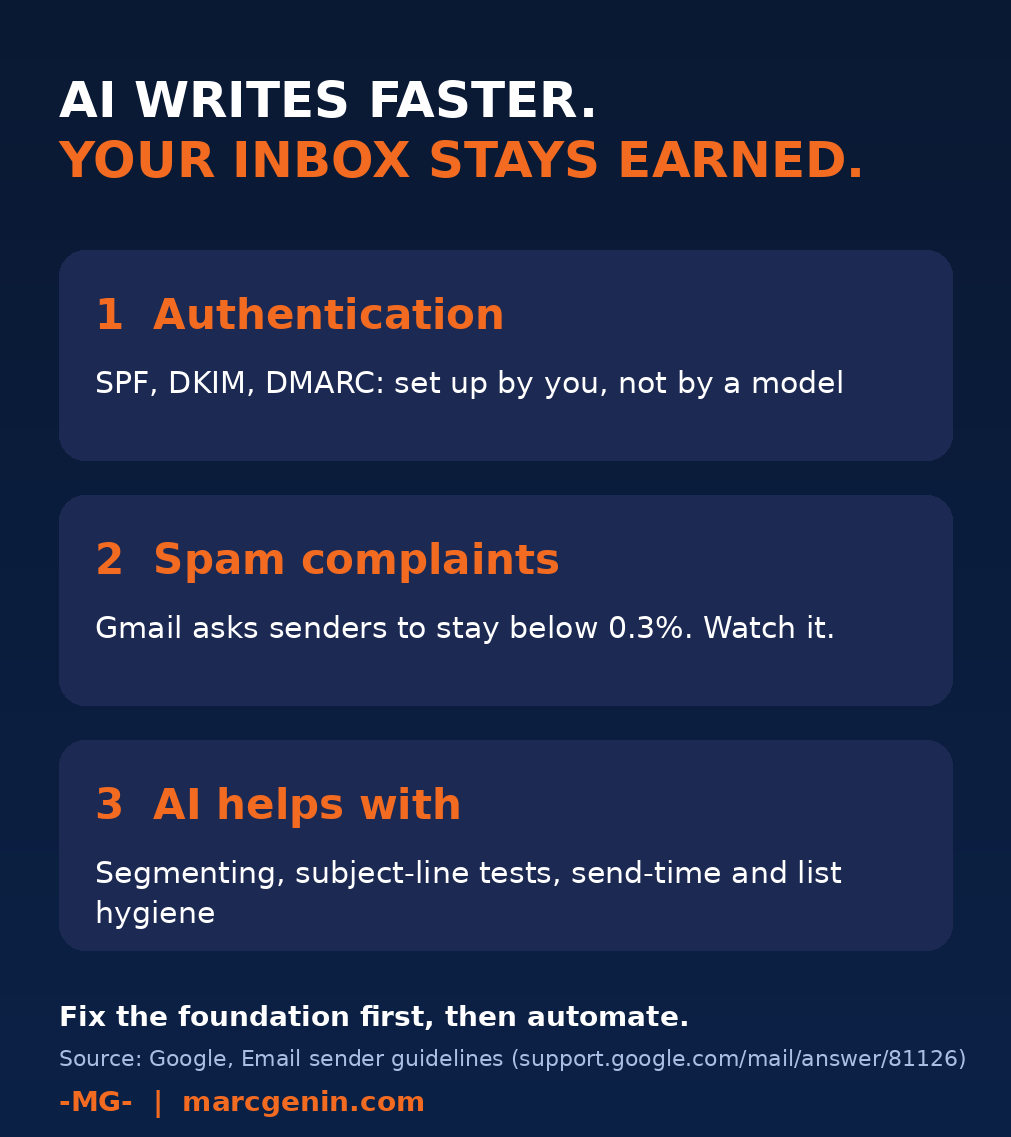
What AI cannot do
- Authentication. SPF, DKIM and DMARC are DNS records on your domain. A model does not set them up for you, and Google lists SPF or DKIM authentication as a basic requirement for senders.
- Spam complaints. Google asks senders to keep the user-reported spam rate in Postmaster Tools below 0.3%. Faster copy at higher volume pushes that number the wrong way if the list is cold.
Where AI does help
- List hygiene. Flag role addresses, typos, long-inactive contacts and repeat bounces before you send.
- Segmentation. Group by real behavior (opened, clicked, bought) so you send fewer, more relevant emails.
- Subject lines and preview text. Generate variants, then test a small slice.
- Send timing and frequency. Spot who stopped engaging and slow down for them.
- Reading the reports. Summarize Postmaster Tools and bounce data into three actions.
A simple weekly routine
- Check authentication and the spam rate.
- Clean the list, then segment.
- Use AI for variants, and a human for the final call.
- Warm up slowly after any pause or list change.
Start with my free starter playbook, then go deeper with the full guide.

Let AI help your inbox, after the foundation is right.
The Deliverability & Inbox Playbook (Guide 07) covers SPF, DKIM and DMARC walkthroughs, the published bulk-sender rules, warm-up schedules and a recovery plan. 15 EUR.
I help SMBs and scale-ups build CRM and lifecycle marketing programs that turn AI from a reporting tool into a revenue engine. If you want a second pair of eyes on your sending setup, get in touch or explore my CRM playbooks.
Sources:
Google, Email sender guidelines: support.google.com/mail/answer/81126
Google, Postmaster Tools dashboards: support.google.com/mail/answer/14668346